

O.Leo Blue suitcase with MyTech Smart Finder
O.Leo Blue suitcase with MyTech Smart Finder
Couldn't load pickup availability
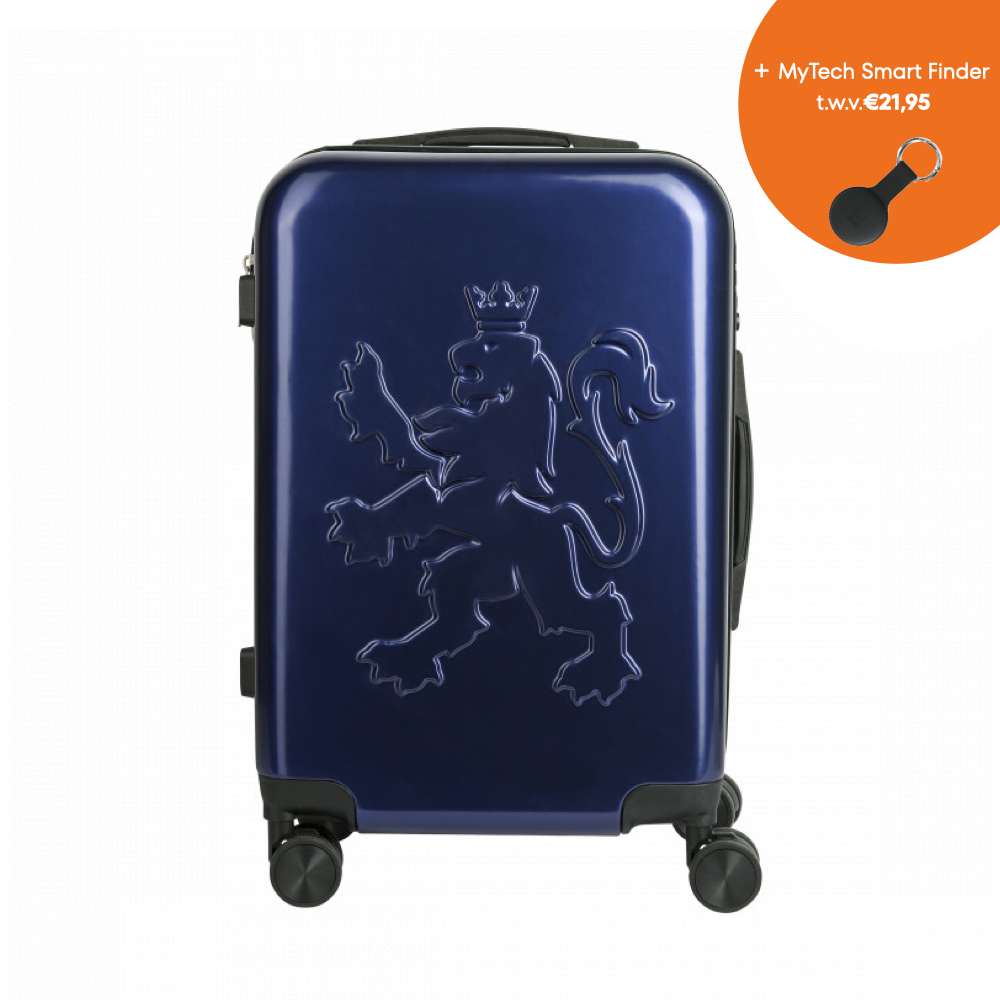
Travel in style with the O.Leo suitcase, a unique carry-on case that combines the best of sturdiness and design. With its iconic lion relief on the front and carefully designed interior, this suitcase is your ideal travel companion.
Handy, this suitcase comes with the MyTech Smart Finder, so you'll never lose your suitcase again!
The O.Leo suitcase is more than just a suitcase, it is a statement. A statement of style, quality, and pride. Be unique, be bold, be O.Leo!
- Unique Design : The front of the suitcase features a striking lion relief, giving the suitcase a rugged and distinctive look.
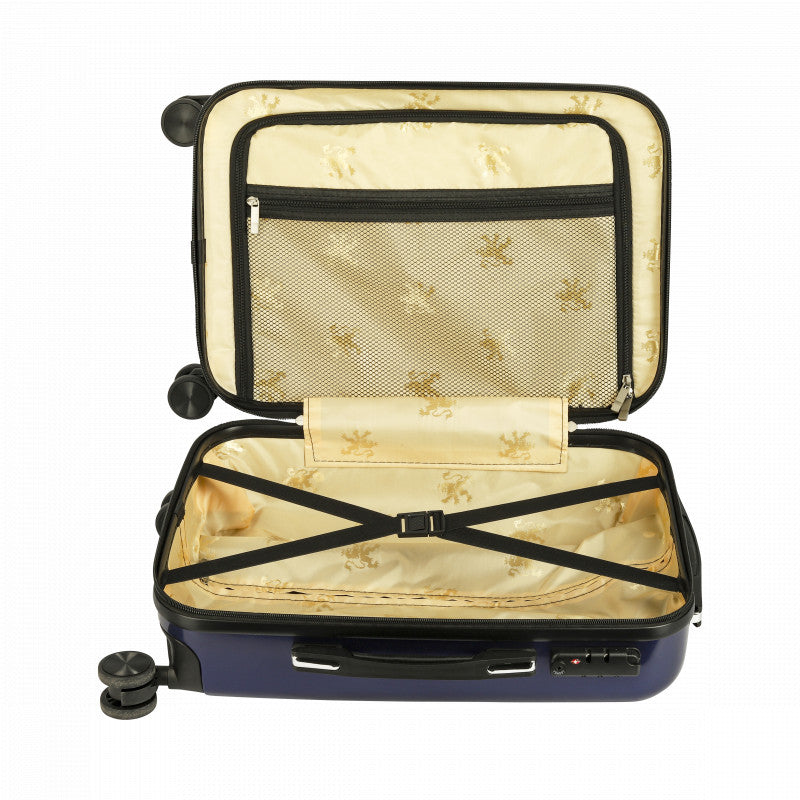
- Fabric Lining : The lining is made of high-quality fabrics and decorated with a subtle lion motif, offering a luxurious feel when wrapped up.
- Sturdy and Durable : The case is made of strong materials that can take a knock. It offers optimal protection for your belongings.
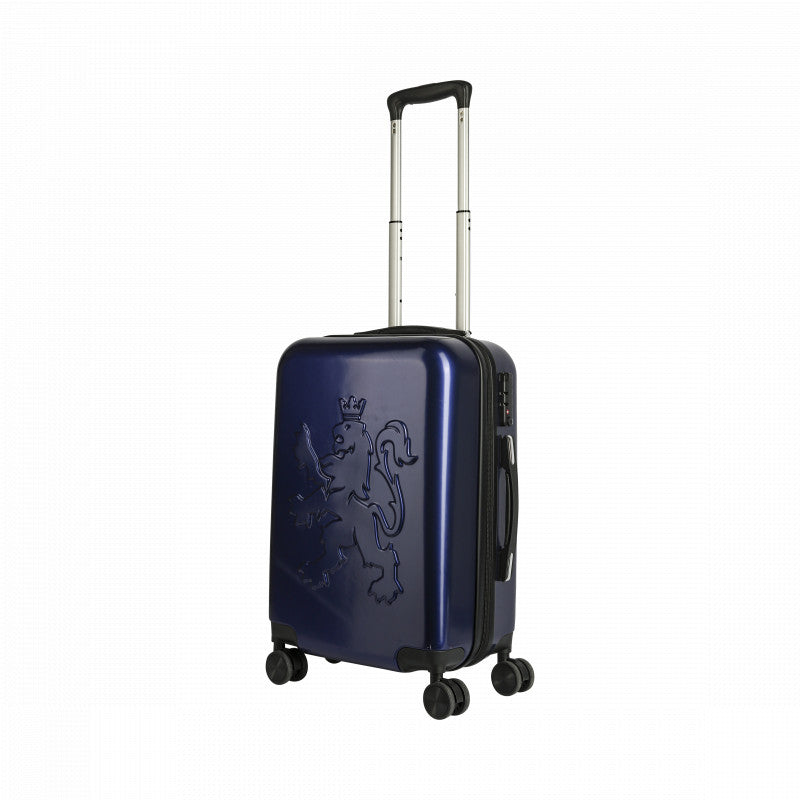
- Smooth Castors : Equipped with four smooth castors that rotate 360 degrees, allowing you to easily maneuver through busy airports and streets.
- Hand luggage size : The suitcase meets the hand luggage standards of most airlines, allowing you to travel effortlessly without checking in.
Whether you are taking a short business trip or planning a weekend getaway, the O.Leo travel suitcase is the perfect combination of style, functionality, and robustness. Travel with pride and ease!
MyTech Smart Finder
Keep tracking your valuable possessions anywhere in the world!
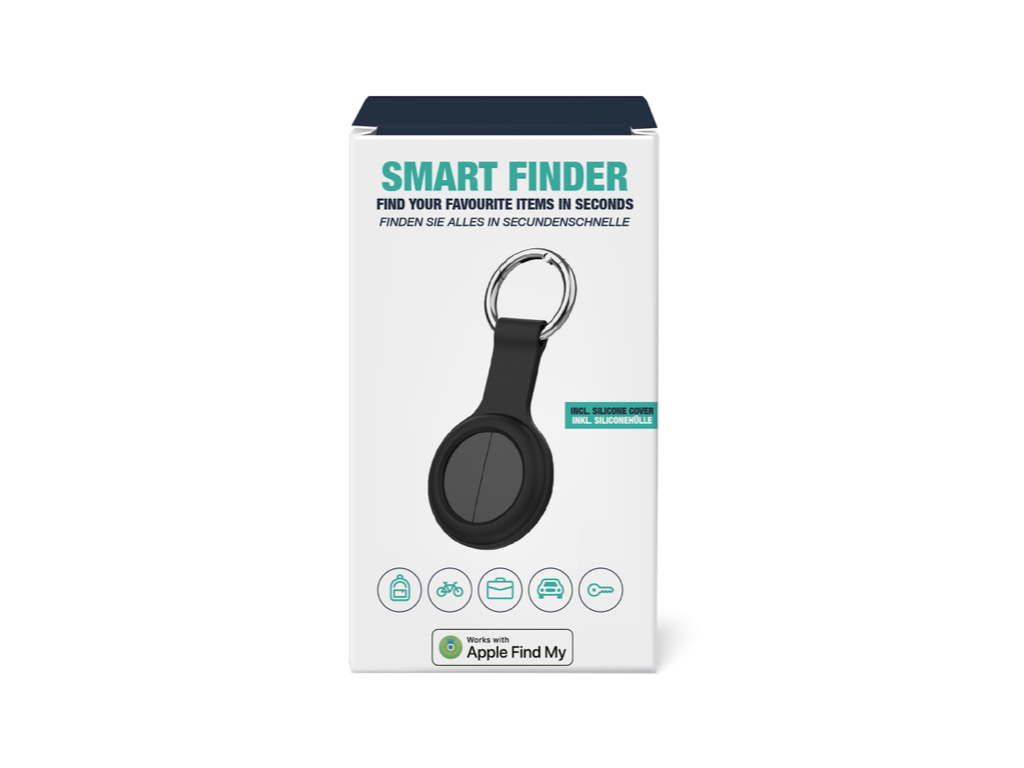
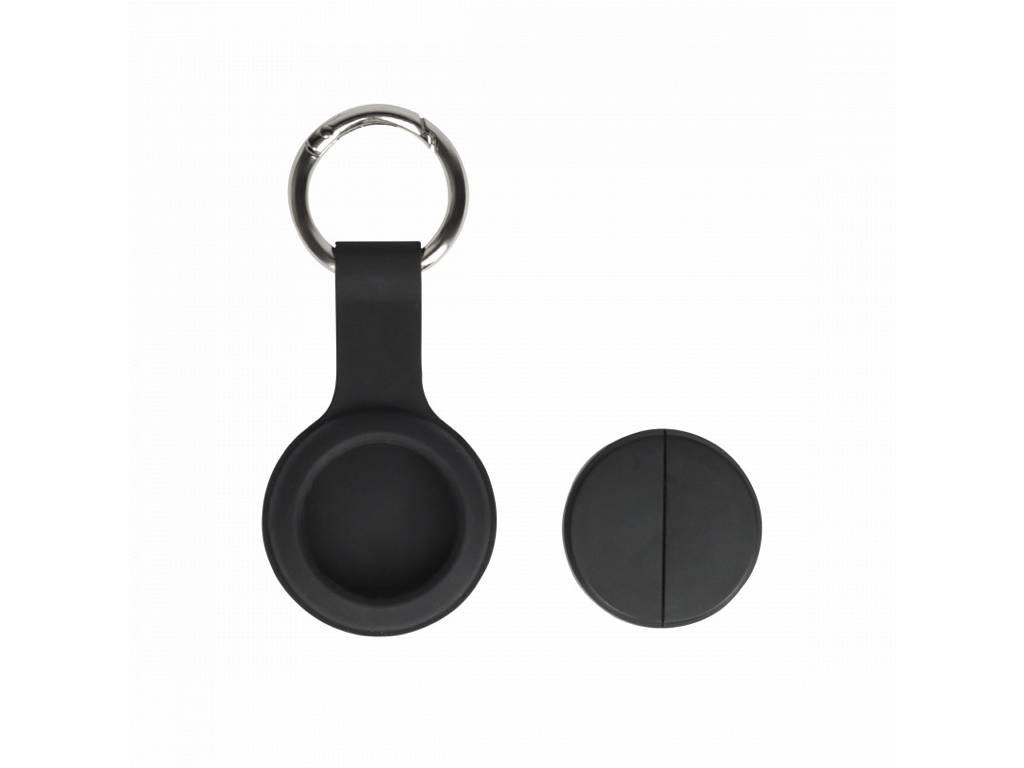
The MyTech Smart Finder is a FindMy tracker with a non-rechargeable, removable battery. Easily attach this smart tracker to your keys, wallet, bag, luggage, e-bike, or pet. Wherever your item is, you can effortlessly find it using the Apple Find My app on your iPhone, iPad, or Mac, or via the Find Items app on your Apple Watch. With the MyTech Smart Finder, you will never lose track of your favorite possessions again!
MyTech Smart Finder:
- Works with the Find My app on iPhone, iPad, Mac, or the Find Items app on Apple Watch.
- Easily attach the MyTech Smart Finder to keys, suitcases, and anything else you want to find.
- Easily find lost items.
- Integrated ringtone to track the product.
- The Apple Find My network offers a simple and secure way to locate personal items on a map via the Find My app on your iPhone, iPad, iPod touch, Mac, or the Find Items app on Apple Watch.
- The use of the Works with Apple badge means that a product is specifically designed to work with the technology mentioned in the badge and is certified by the product manufacturer to meet the product specifications and requirements of the Apple Find My network. Apple is not responsible for the operation of this device, the use of this product, or compliance with safety and regulatory standards.
Why Choose O.Leo? O.Leo stands for craftsmanship and exclusivity. Our clothing and accessories are designed in Amsterdam with a keen eye for detail and quality. By choosing an O.Leo suitcase, you choose the ultimate blend of distinctive modern design and sturdiness.
Ordered before 5:00 PM? Shipped the same day.
O. Leo Suitcase
- Hand luggage suitcase
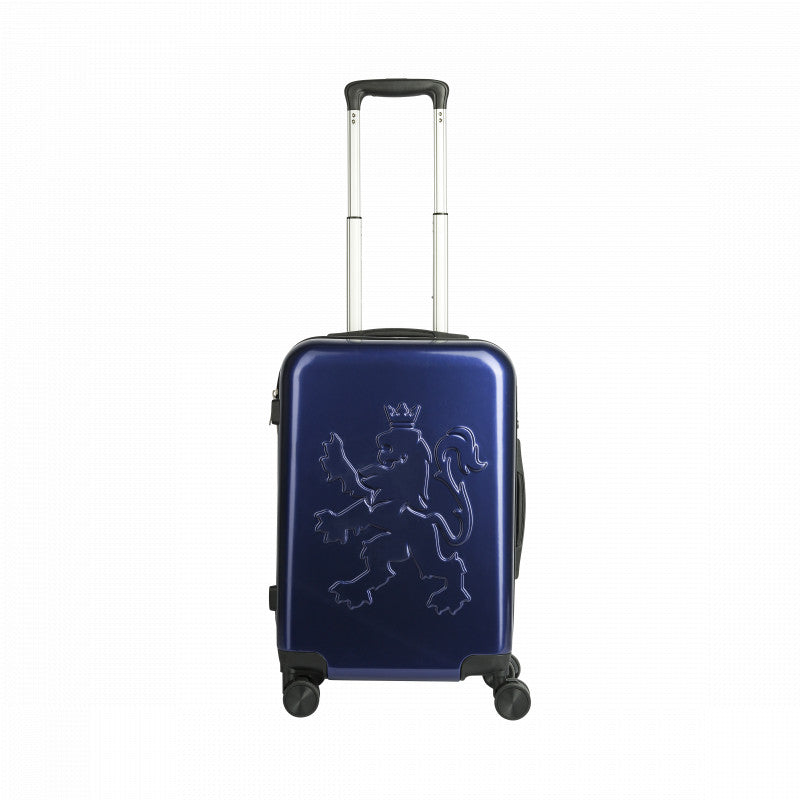
- Height-adjustable handle
- Zipper
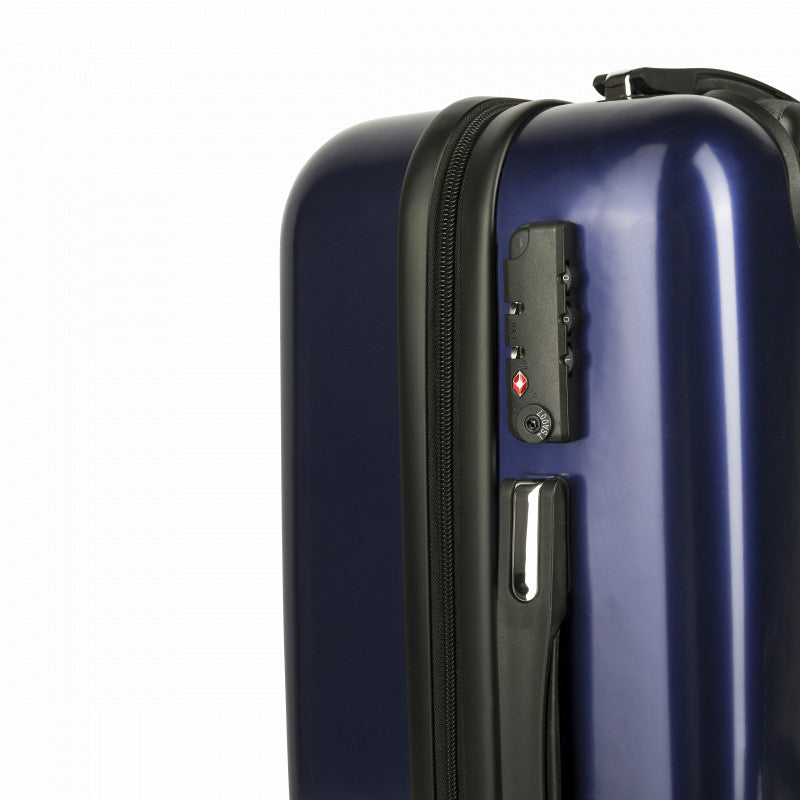
- TSA number lock
- Lightweight and easy to move thanks to four smooth wheels
- Please note, the case comes with a protective film. You can easily peel this film off.
Technical specifications
- Dimensions: 54 x 34 x 20cm | 35 liters
- Weight: 2.5 kg
- Case material: ABS
- Inner material: nylon
- Handle material: aluminium
Product specifications
- Zipper
- TSA 4-combination lock
- Height-adjustable handle
- 4 swivel casters
- Lion relief exterior
- Fabric lining with lion pattern
- Allowed as hand luggage on 99% of all airlines
MyTech Smart Finder
The MyTech Smart Finder comes with a replaceable battery.
Setting up on iPhone
- Turn on the device
- Press and hold the button for five seconds; the device will make a sound and turn on.
- Connect the device
- Open the 'Find My' app
- Hold the device close to your iPhone and click the 'Items' tab, then 'Add Item', and then 'Other Supported Items'.
- Click on 'Connect'
- Type a name for your device, select an emoji, and click 'Agree' to confirm that this item will be linked to your Apple ID. Click 'Finish'.
- Enable 'Lost Mode'
- Open the 'Find My' app, click on the 'Items' tab, and then click on your item. Under 'Lost Mode', click 'Enable'.
- Read the instructions, click 'Continue', and enter a phone number or email address. Confirm the information, add a text regarding the lost item, and click 'Activate' to complete the installation.
- Remove the device
- Open the 'Find My' app and click on the 'Items' tab, then click on your item. Tap 'Delete' and then tap 'Delete' to complete the command.
Note: After removing the device from the app, the device will beep and will not shut down immediately. If re-pairing does not occur within ten minutes, the device will be removed. To re-pair the device, you must click the device button once again. The device will then ring and can be paired again using the 'Find My' app.